
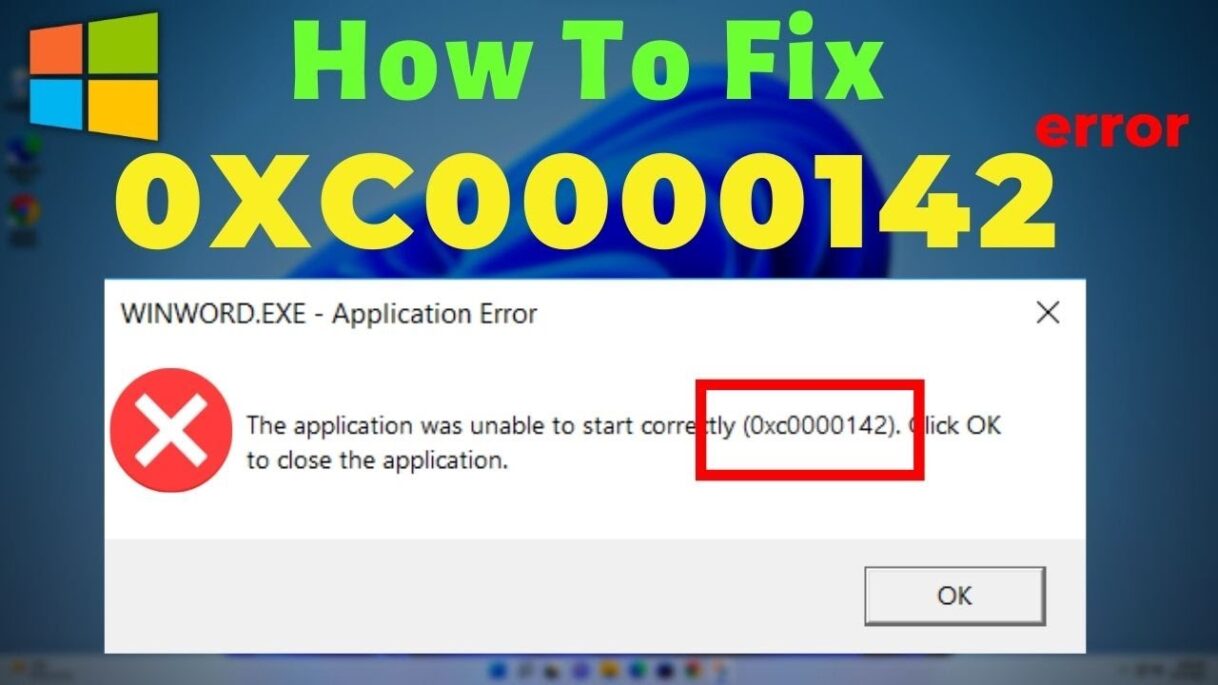
Full Guide to Fix 0xc0000142 Error [2025 Newest]: https://bit.ly/462C06u
0xc0000142 Error Fix: How to fix Error The application was unable to start correctly.
Chapters:
00:00 Intro
00:30 Registry Editor
01:15 Run Application in compatibility mode
02:02 Disk Check
03:10 Update Graphic Card Driver
04:08 Download Softwares
Download Links:
1. Visual c++: https://docs.microsoft.com/en-us/cpp/windows/latest-supported-vc-redist?view=msvc-170
2. Directx End user Runtime: https://www.microsoft.com/en-in/download/details.aspx?id=35
3. .NET Framework: https://dotnet.microsoft.com/en-us/download/dotnet-framework
Join this channel to get access to perks:
https://www.youtube.com/channel/UCzxRFZIzbgmLiTB6u5ETvMQ/join
Dear Viewers, We are Easy Classes and our Vision is to transfer our knowledge to the world. We Make Videos that may solve somebody’s real-life problems. Our Tutorials are based on Windows, Windows 10, Windows 7, Windows 8, Windows XP, Android Tutorials, Microsoft Office Tutorials, Technical Videos (Like Wifi Problems, Internet Connection Issues, Slow Computer, No Signal, Not logging, etc.).
Your Support is our oxygen. We inspired by you!.
source

